- What is programming and why Python?
- Writing Python programs from scratch
- Variables and data types
- Making decisions using if–else
- Repeating tasks naturally with loops
- Organizing logic using functions
- Hands-on activities:
- 🎮 Simple interactive programs
- 🎮 Logic-based mini challenges
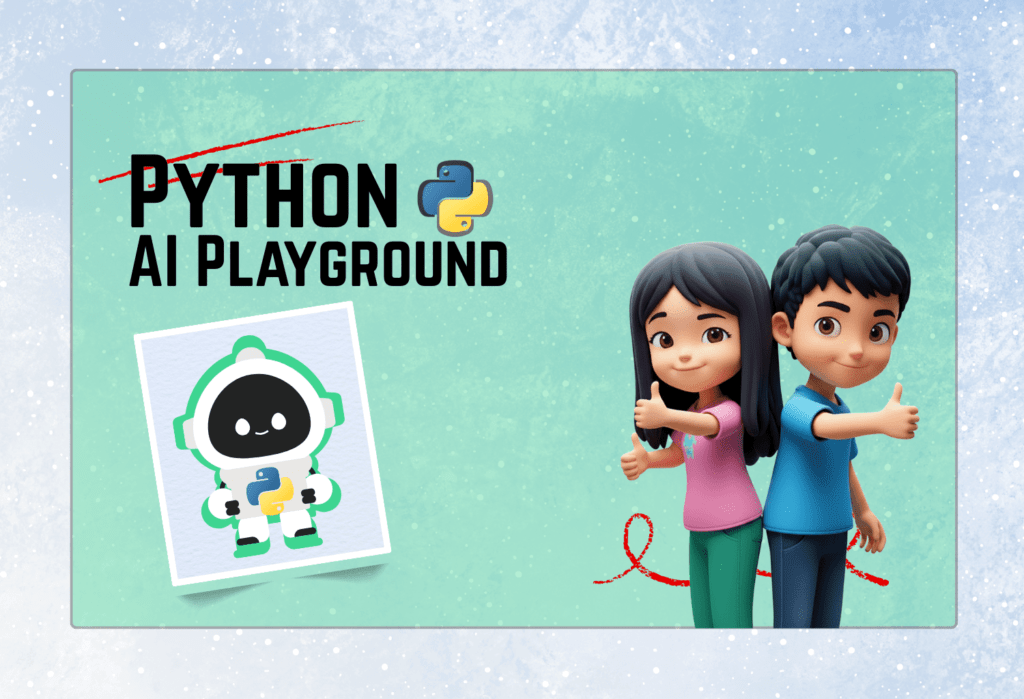
Python: AI Playground
Fee: 4,000 /- PKR
- Duration: 2 weeks
- Starting From: 30, Dec, 2025
- Mode: Online
- Age: 8 and Above
- Days: Tues, Thur, Sat
- Timing: 10:00 - 12:00
About Course
This 2-week online program designed for kids aged 8 and above. Students start by learning core Python programming concepts, then apply them to create fun games, visualizations, and interactive experiments. They explore modern AI tools, including chatbots and image recognition, through hands-on mini-projects. By the end of the course, learners combine Python, visuals, and AI into a final mini-application while understanding ethical AI use and game design principles. The course emphasizes creativity, problem-solving, and real-world applications of programming and AI.
Course Outline
Lecture 1: Build confidence with core Python concepts
Lecture 2: Apply Python basics to real applications
- Writing clean and modular Python code
- Using randomness to simulate real-world events
- Introduction to tensors using PyTorch (numbers in multiple dimensions)
- Creating and manipulating tensors for experiments
- Mini-project:
- 🎲 Dice game simulation
- 🎲 Probability experiments using tensors
Lecture 3: Turn numbers into meaningful visuals
- Why data visualization matters
- Introduction to Matplotlib & Seaborn
- Creating: Bar graph, Pie charts
- Understanding and explaining charts
- Mini-project:
- 📊 Visualize game results or survey data
Lecture 4: Help students understand how computers see images
- What images are made of (pixels & colors)
- Applying filters and transformations to images
Lecture 5: Explore modern AI tools in a guided way
- What AI models are and how they learn
- Introduction to Vision tasks(Classification, Detection)
- Using pretrained AI models on real images
- Mini-project:
- 🚦 Recognizing traffic signs
- 📚 Real-time Traffic Analysis
Lecture 6: Develop awareness beyond coding
- Introduction to transformer models
- Building and customizing a simple chatbot
- Using models like GPT-2 safely and responsibly
- Final-project:
- 🤖 Create your own AI assistant
- How AI answers questions using knowledge
- Responsible and ethical use of AI
- Combine Python + visuals + AI into one mini application
🎓 Outcomes
- Core Python programming: variables, loops, functions, and decision-making.
- Building interactive games and implementing game logic with scoring systems.
- Creating visualizations using Matplotlib and Seaborn to represent data.
- Understanding image processing and applying AI models for object detection.
- Introduction to AI and transformer models for building chatbots and smart applications
- Combining Python, visuals, and AI into mini-projects while learning ethical and responsible AI use
Registration Queries
FOR ANY REGISTRATION QUERIES FEEL FREE TO REACH OUT TO OUR TEAM
Certifications
“Python – AI Playground”
December’2025 – January’2026
Certified Students 🌟
Here you can view and download your certificates
Lecture 01: Python Fundamentals
Introduced Python data types including integers, floats, strings, booleans, and characters.
Explained string operations: slicing, concatenation, repetition, and immutability.
Demonstrated built-in string functions, formatted strings, and multiline strings.
Took a number as input to generate its multiplication table
Used a
whileloop to repeat steps until a condition is metUpdated the counter using increment (
+= 1)Demonstrated how loops reduce repeated code
Helped understand loop control and flow of execution
Strengthened concepts of iteration and logic building
Lecture 02: Python Basics Functions,Loops and Shapes Printing
- Understanding functions and how to define them
Creating reusable functions such as
square()andcube()Taking user input and converting it into integers
Using while loops for repetition
Printing multiplication tables with custom start and end values
Drawing different triangle patterns using loops
Building a menu-driven program using
if–elifconditions andwhile TrueloopUsing formatted strings (
f-strings) for clean and readable outputUnderstanding program flow using
breakand loop control
Lecture 03:Table Printing Using While & For Loop
- Converting string input to integers using the
int()function to ensure mathematical operations like table multiplication function correctly. - Utilizing the range() function in a
forloop to simplify code by defining start, stop, and increment values in a single line - Using the break statement to exit infinite loops immediately once a specific stopping condition is met within a code block.
- Employing debugging tools to monitor real-time variable values and pinpoint logic errors such as incorrect data types or loop conditions
- Switching from a while loop to a for loop simplifies the code by consolidating the starting value, end condition, and increment into one line.
Lecture 04:Building Dice Game,Debugging Errors & Table Printing
- Building a Dice Game and guessing number to play the game.
- Converting user input into an integer using the
int()function - Debugging a multiplication table program correcting logic errors in while loops
- Using f-strings (formatted strings) is the correct way to include variables within a print statement
- Customizing table outputs to show only even or odd numbers by adjusting the step value in a
range()function - Finding bugs from code and correcting them.
- Using While and For Loop to print tables of different numbers
- Icrementing and Decrementing in range() function to print tables
- Using Stop End Variables for table printing
Lecture 05: List Comprehinsion,Function & Prime Composite Numbers
- Indexing and Accessing elements from a list.
- Using len() function to determine the length of a list
- Modifying list using append and insert function to add and insert elements at specific index
- Using slicing to slice the list and .sort() function to sort the list
- Using a for loop to “traverse” to visit every element in a list one by one to perform operations
- Returning two separate lists for even and odd numbers
- Checking prime and composite numbers in a list
- Using def() function for all the programs
Lecture 06: Numpy,Matrix Manipulation & Image Processing
- Indexing and Accessing elements from a list.
- Using len() function to determine the length of a list
- Modifying list using append and insert function to add and insert elements at specific index
- Using slicing to slice the list and .sort() function to sort the list
- Using a for loop to “traverse” to visit every element in a list one by one to perform operations
- Returning two separate lists for even and odd numbers
- Checking prime and composite numbers in a list
- Using def() function for all the programs