Seed Programming

Online
7,500 /- PKR

About Program

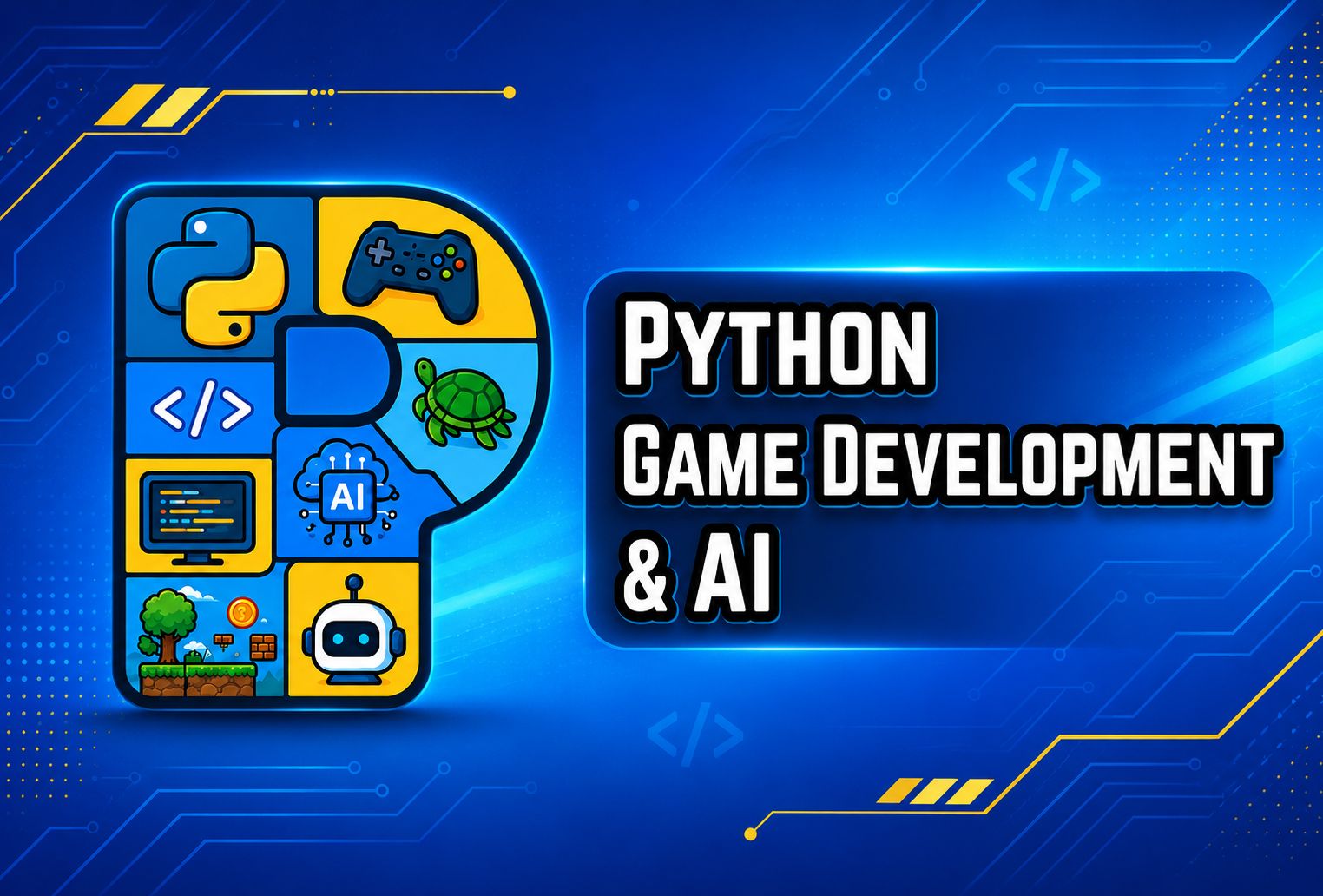
Python Programming, Game Development & AI is a 4-month, applied programming course designed for ICS Part I & II and A-Level students. The course takes students from Python fundamentals to building practical applications, interactive graphics, complete 2D games, and an introductory AI application. Students learn through hands-on projects while developing problem-solving, programming, debugging, and computational thinking skills.

Course Outline

Module 1: Python Foundations

Classes 1–5 â€ĸ Python Basics & Programming Logic

Class 1: Introduction to Python
Focus: Python Setup & Programming Fundamentals
  • Install Python and VS Code and run the first program
  • Understand syntax, comments, indentation and print()
  • Introduce algorithms, flowcharts and step-by-step execution
Applied Project:

🐍 Personal Introduction Program — Create a Python program that introduces the student using variables and output.

Class 2: Variables, Data Types and User Input
Focus: Variables, Data Types & Input
  • Work with integers, floats, strings and Boolean values
  • Apply type conversion, arithmetic operators and comparison operators
  • Collect and validate user input
Applied Project:

🧮 Marks and Percentage Calculator — Build a program that accepts marks and calculates percentages.

Class 3: Conditions and Decision-Making
Focus: Conditional Logic
  • Use if, elif and else statements
  • Combine comparison and logical operators
  • Design nested and multi-condition decisions
Applied Project:

📊 Student Grading System — Create a grading program that assigns grades based on student marks.

Class 4: Loops and Repetition
Focus: Loops & Repetition
  • Use for loops, while loops and range()
  • Work with counters, accumulators, break and continue
  • Generate tables, sequences and number patterns
Applied Project:

đŸŽ¯ Number Guessing Game — Build a game where the player repeatedly guesses a randomly selected number.

Class 5: Nested Loops and Debugging
Focus: Nested Loops & Debugging
  • Build nested-loop patterns and shapes
  • Identify syntax, runtime and logical errors
  • Trace and debug programs in VS Code
Applied Project:

đŸ”ĸ Pattern Generator — Create different number and character patterns using nested loops.

Module 2: Structured Python Programming

Classes 6–9 â€ĸ Functions, Data Structures, Files & OOP

Class 6: Functions and Modular Programming
Focus: Functions & Modular Programming
  • Create and call reusable functions
  • Use parameters, return values and variable scope
  • Break larger problems into smaller modules
Applied Project:

🧮 Function-Based Calculator — Build a calculator using separate functions for different mathematical operations.

Class 7: Strings and Lists
Focus: Strings & Lists
  • Use string indexing, slicing and common methods
  • Create, update, search and sort lists
  • Iterate through collections to solve data problems
Applied Project:

📚 Student Marks Analyzer — Store student marks and analyze the collected data using lists.

Class 8: Tuples, Sets and Dictionaries
Focus: Python Data Structures
  • Use tuples for fixed collections
  • Use sets to remove duplicates and compare groups
  • Create dictionaries and nested student records
Applied Project:

đŸ—‚ī¸ Student Record Management System — Build a structured student record system using Python dictionaries.

Class 9: Files, Exceptions and OOP Basics
Focus: File Handling, Exceptions & OOP
  • Read from and write to text files
  • Handle invalid input with try and except
  • Understand classes, objects, attributes and methods
Applied Project:

📁 File-Based Student Record System — Store and manage student records using files and basic OOP concepts.

Module 3: Turtle Graphics

Classes 10–11 â€ĸ Graphics, Animation & Interactive Projects

Class 10: Turtle Graphics Fundamentals
Focus: Turtle Graphics & Coordinate Systems
  • Use the Turtle screen and coordinate system
  • Control movement, direction, angles, pen and fill colours
  • Combine loops with shapes and geometric patterns
Applied Project:

🎨 Colourful Geometric Pattern — Create an interactive geometric artwork using Turtle Graphics.

Class 11: Turtle Animation Project
Focus: Animation & Interaction
  • Create reusable Turtle functions
  • Add animation, keyboard controls and random movement
  • Plan, build and test an interactive graphic
Applied Project:

đŸĸ Interactive Turtle Racing Game — Build a racing game with animated Turtle characters and keyboard interaction.

Module 4: Pygame Development

Classes 12–14 â€ĸ 2D Game Development with Python

Class 12: Introduction to Pygame
Focus: Pygame Fundamentals
  • Install and import Pygame
  • Create a game window and understand the game loop
  • Draw shapes, display images and handle keyboard events
Applied Project:

đŸ•šī¸ 2D Arcade Game Setup — Set up the foundation of a playable 2D arcade game.

Class 13: Movement, Sprites and Collision
Focus: Game Movement & Collision
  • Program player movement and screen boundaries
  • Create sprites, enemies and obstacles
  • Detect collisions and update game state
Applied Project:

🎮 Playable Game Level — Build a complete game level with a player, enemies, obstacles and collision detection.

Class 14: Complete Pygame Project
Focus: Complete 2D Game Development
  • Add score, lives and increasing difficulty
  • Add sound, start, pause and game-over screens
  • Test, debug and package the final game
Applied Project:

🏆 Complete Python Arcade Game — Develop and polish a fully playable Python arcade game.

Module 5: Lang AI & Final Project

Classes 15–16 â€ĸ AI Integration & Project Showcase

Class 15: Introduction to Lang AI
Focus: Language-Based AI & Python Integration
  • Understand language-based AI, prompts, responses and context
  • Connect a Python program to an AI model
  • Discuss responsible, safe and accurate use of AI
Applied Project:

🤖 Simple Python AI Assistant — Connect Python with an AI model to create a basic conversational assistant.

Class 16: Final Project and Presentation
Focus: Final AI Project & Presentation
  • Add conversation history and user commands
  • Test, debug and improve the final application
  • Present projects, receive feedback and complete course evaluation
Applied Project:

🚀 Portfolio-Ready AI Assistant — Complete, test and present a Python-based AI assistant as part of the final project showcase.

Student Portfolio

Projects students build throughout the course

Portfolio Projects
  • Marks and percentage calculator
  • Student grading system
  • Number guessing game
  • Student record management system
  • Turtle geometric animation
  • Turtle racing game
  • Complete Pygame arcade game
  • Python-based AI assistant
Learning Outcomes

What students will be able to do after completing the course

What You Will Learn
  • Write, test and debug structured Python programs.
  • Apply variables, conditions, loops, functions and data structures to practical problems.
  • Build creative graphics and animations with Turtle Graphics.
  • Develop a complete interactive 2D game with Pygame.
  • Create an introductory language-based AI application using Python.
  • Present completed projects as part of a beginner programming portfolio.

Recorded Lectures will be uploaded here.