- Introduction to AI tools and their uses
- Understanding how AI helps in learning and creativity
- Overview of course structure and workflow
- Exploring basic AI interactions
- 6 weeks
- 15, June, 2026
About Program
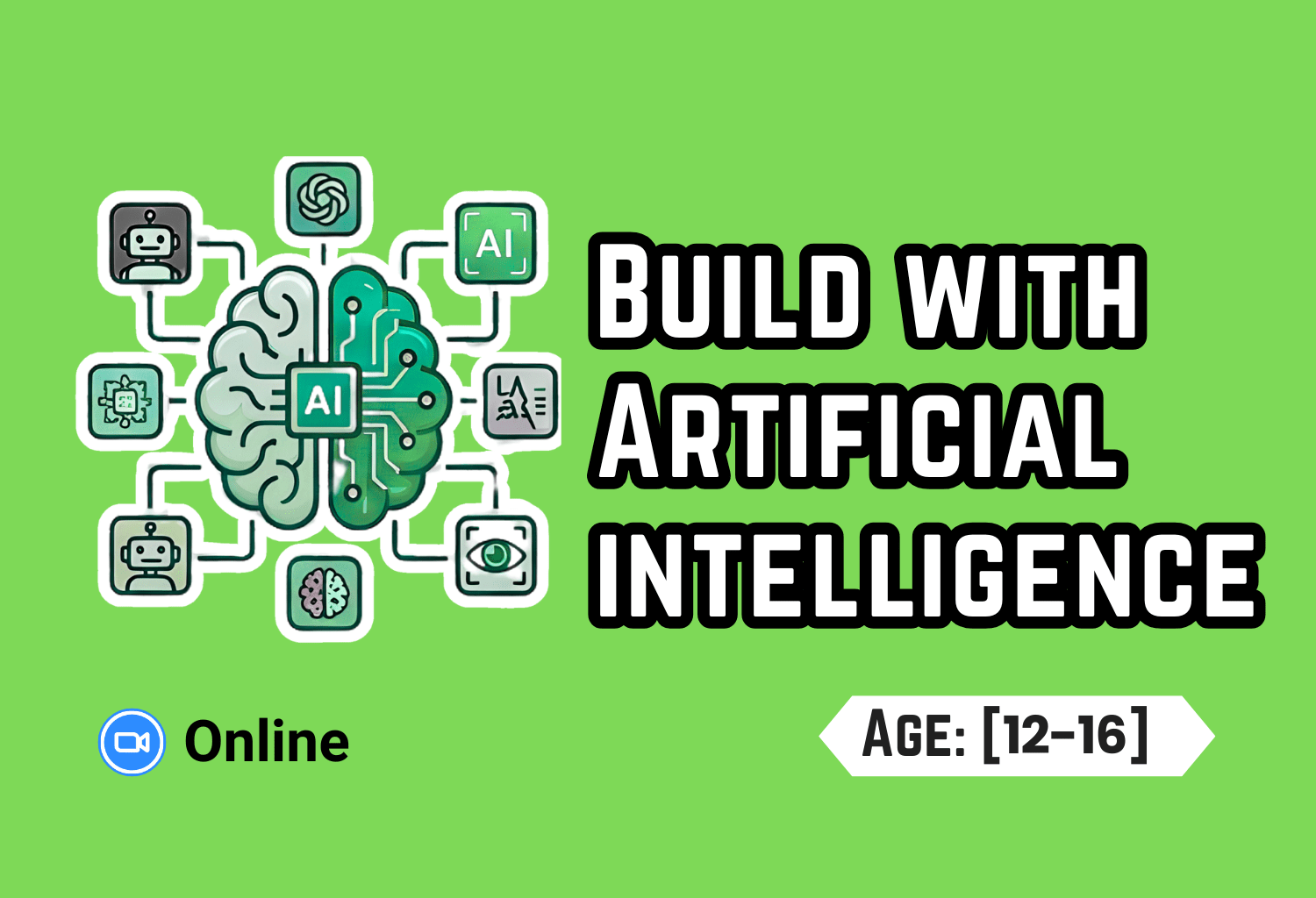
This AI Tools course helps students become confident learners and creators using modern technology. Students explore powerful tools for studying, writing, designing, and presenting ideas. They learn how to use AI to summarize content, generate ideas, and create visuals. Through hands-on activities and mini-projects, they build practical skills step by step. The course also focuses on prompt writing, critical thinking, and problem-solving. By the end, students create and present their own AI-assisted projects with confidence.
In Collaboration with Information Technology University (ITU)
Course Outline
Lecture 1: Welcome to the AI-Native Maker
Lecture 2: NotebookLM — Turn Any Document Into Your Tutor
- Uploading documents and notes
- Asking questions from your own content
- Generating summaries and explanations
- Mini-activity: 📘 Turn your notes into an AI tutor
Lecture 3: AI Chat Tools — The Power-User Workflow
- Understanding prompts and responses
- Writing better and structured prompts
- Improving AI outputs step by step
- Mini-project: 💡 Solve real-world tasks using prompts
Lecture 4: Advanced AI — Projects & Custom Workflows
- Using AI for projects and structured outputs
- Connecting ideas and organizing content
- Continued development of
- 📂 AI-assisted personal project
- Continued development of
- 🧠 Smart learning workflows
- Debugging and improving AI-generated work
- Refining outputs for better results
Lecture 5: Ideogram — Create Real Designs (Posters, Thumbnails, Covers)
- Creating visual designs using AI
- Understanding prompt-based design
- Improving layouts and creativity
- Mini-project: 🎨 Design a poster or thumbnail
Lecture 6: Gamma — AI Presentations & Final Project
- Creating presentations using AI tools
- Adding final features and polish
- Finalizing projects
- Showcasing completed work
- Peer feedback and presentation
Lecture 7: Audio Studio – Voice & Music Creation
- Introduction to AI audio tools (voice and music generation)
- Understanding text-to-speech and AI music creation
- Live demo: Create voiceovers and background music
- Hands-on: Generate your own audio project
- Responsible use of AI-generated audio
Lecture 8: AI Filmmaking – Short Video Creation
- Introduction to AI video generation tools
- Writing prompts for realistic short films
- Live demo: Generate a short AI video
- Hands-on: Create your own mini film
- Responsible use of AI-generated media
Lecture 9: Build a Real Web App
- Introduction to AI-assisted web app development
- Understanding basic app structure
- Live demo: Build and deploy a simple app
- Hands-on: Create your own web app
- Responsible and ethical development practices
Lecture 10: Agentic Coding – Part 1
- Introduction to AI-assisted coding
- Understanding AI agents in development
- Live demo: Writing and running code
- Hands-on: Practice coding with AI tools
- Responsible AI coding practices
Lecture 11: Agentic Coding – Part 2 (Build Sprint)
- Advanced AI coding with sub-agents
- Understanding modular workflows
- Live demo: Advanced coding techniques
- Build sprint: Create a mini project
- Responsible and efficient AI usage
Lecture 12: Demo Day & The Road Ahead
- Final project presentations
- Peer feedback and discussion
- Review of key concepts
- Future pathways in AI and technology
- Reflection on responsible AI use
🎓 Outcomes
- Understand and use AI tools effectively
- Create summaries, designs, and presentations
- Write strong prompts and workflows
- Build complete AI-assisted projects
- Develop creativity and problem-solving skills
- Present ideas confidently using AI
👩🎓
Certificates
Recorded Lectures Are Available Below
Lecture 01: Welcome to the AI-Native Maker
- AI as your assistant — learned that AI is a helpful tool you can talk to, and that clear instructions lead to better results.
- Why AI saves time — explored how AI can create essays, images, videos, and presentations in seconds.
- Course roadmap — got an overview of the semester journey and how AI can help with everyday tasks.
- Talking to ChatGPT — asked questions on Maths, Science, and General Knowledge, even using Urdu.
- From words to pictures — generated our first AI images and saw how prompts turn ideas into visuals.
- Better prompts, better results — learned how details like mood, lighting, style, and weather improve AI outputs.
- Creating stories with AI — built an exciting dinosaur rescue adventure by refining images and ideas step by step.
- Staying organized — compared simple and detailed results and practiced saving work neatly in folders.
Lecture 02: NotebookLM: Turn Any Document Into Your Tutor
- Recap: ChatGPT can answer in any language but has limitations.
- Problem: It does not automatically follow a student’s grade level or syllabus.
- Need: Students need a personalized tutor available 24/7.
- NotebookLM: A free Google AI tool that uses uploaded PDFs, books, and notes.
- Source-Based Answers: Responds strictly from uploaded materials and creates summaries and questions.
- Study Tools: Generates audio/video overviews, slides, reports, flashcards, and quizzes.
- Mind Maps & Languages: Creates visual learning maps and supports multiple languages, including Urdu.
- Live Demo: Answered a Harry Potter question in Urdu directly from the uploaded chapter.
Lecture 03: Build a Website with AI (No Coding!)
Students meet Claude and build their own “About Me” website just by typing English. What a website is (static vs dynamic, HTML/CSS/React made simple)
Meet Claude — describe it in English, step by step, and it writes the code
Built an About Me site live: text → personality → projects → cards → nav bar → one page → images
Changed colours/fonts/animations just by asking. Bonus: built a space-shooter game with Claude
Lesson: you don’t need to code — just describe what you want, step by step
Homework: improve your About Me page; best one gets featured + a prize
- Mind Maps & Languages: Creates visual learning maps and supports multiple languages, including Urdu.
- Live Demo: Answered a Harry Potter question in Urdu directly from the uploaded chapter.
Help Session — Build Help: Websites & Games
- Built and improved websites and games with Claude
- Learned how to work around usage limits using multiple accounts
- Saved and continued projects by re-uploading HTML files to a new account
- Improved website navigation with buttons and menus
- Made games more engaging with levels, maps, and obstacles
- Showcased creative projects, including custom games and Roblox creations
- Key takeaway: keep iterating—AI can help you overcome roadblocks and keep building
Tool used: Claude
Lecture 05: Launch Your Own Product with Canva AI
- Brainstormed a unique product idea and transformed it into a complete brand concept using Canva AI
- Generated high-quality product images with AI, refined them through chat prompts, removed backgrounds, and created professional social media advertisements
- Designed a custom brand logo by specifying the product, colours, and design style, then refined it to match the overall brand identity
- Applied consistent branding by using the same colours, logo, and visual style across all marketing materials
- Created a complete marketing presentation covering the product problem, solution, key features, pricing, and a strong call-to-action
- Customized the AI-generated presentation by adding product images, logos, brand colours, and simplifying the text for better communication
- Delivered a short product pitch to practice presenting and promoting a product with confidence
Tool used: Canva AI
Lecture 06: Make Your Own Mini-Film (Kling + Canva)
Planned a 3-scene mini-film by creating a beginning, middle, and ending while keeping the same main character throughout the story.
Generated AI images for each scene in Canva, ensuring character consistency by using detailed prompts.
Converted each image into a realistic animated video clip using Kling’s Image-to-Video feature with movement-focused prompts.
Learned how to write effective motion prompts by describing camera movement, character actions, ambient motion, and a clear ending.
Combined all video clips in Canva, trimmed them to create a smooth 30-second film, and added transitions, background music, and a title.
Exported the completed mini-film as an MP4 video and understood the complete AI filmmaking workflow from image generation to final editing.
Practiced using AI as a creative filmmaking assistant while making all artistic and storytelling decisions as the director.
Lecture 7: Build a REAL App (Bolt · Poll Party)
- Introduced Bolt and learned how AI can build a complete web application from a text description.
- Built a real “Poll Party” web app where users can create and share polls.
- Created poll questions with multiple answer choices for friends to vote on.
- Used a database to automatically save polls and votes.
- Implemented user authentication (sign-up and login) to manage personal polls.
- Displayed live voting results with dynamic charts and progress bars.
- Published the application to a live website and shared it using a public link.
- Learned the complete AI app development workflow: Describe → Build → Save Data → Share → Publish.
Tool used: Bolt
Lecture 8: AI Music Studio: Drop Your Own Song (Suno + Riffusion)
Introduction to AI Music — Explore how AI can turn simple lyrics into complete songs.
Write Original Lyrics with Claude — Create 2 verses and a catchy chorus using simple prompts and easy words.
Generate Songs with Suno — Produce a fully sung version of your lyrics using AI voices and custom music styles.
Experiment with Different Genres — Remix the same lyrics into pop, rap, rock, desi, lo-fi, or other musical styles.
Create Unlimited Songs with Riffusion — Generate additional versions and download free MP3 files.
Design Album Cover Art in Canva — Create a professional-looking cover for your AI-generated song.
Music Premiere & Sharing Session — Present your song to the class, listen to classmates’ creations, and receive feedback.
Homework Project — Create an original AI song, remix it into two new genres, design cover art, and share everything on Discord and Google Classroom.
Lecture 9: Your Own AI Presenter
- Introduction to AI Presenters — Discover how AI avatars can present ideas, projects, and stories.
- Write a Video Script with Claude — Create a short, engaging script with a hook, key points, and a closing message.
- Create an AI Presenter in Canva — Choose a ready-made AI presenter, select a voice, and generate a talking video.
- Customize the Presentation — Add backgrounds, titles, images, videos, and project visuals to make the presentation engaging.
- Enhance the Video — Add captions, background music, and transitions for a polished final result.
- Export and Share the Video — Save the presentation as an MP4 and prepare it for sharing online.
- Presentation Showcase — Present your AI video to the class and watch presentations created by your classmates.
- Homework Project — Create an AI presenter video about your own project, polish it with visuals and music, then share the MP4 and link on Discord and Google Classroom.
Tools Used:
Claude — (Script writing)
Canva — (AI Presenter, video editing, captions, music, and export)